
Send the Application Form
The application form lets applicants fill in their own details, with no account. You send it when you create an application with Email Application. The email has a Complete your application button, which opens the form.
The link works for 7 days, and only until the form is submitted.
What the applicant does
Section titled “What the applicant does”-
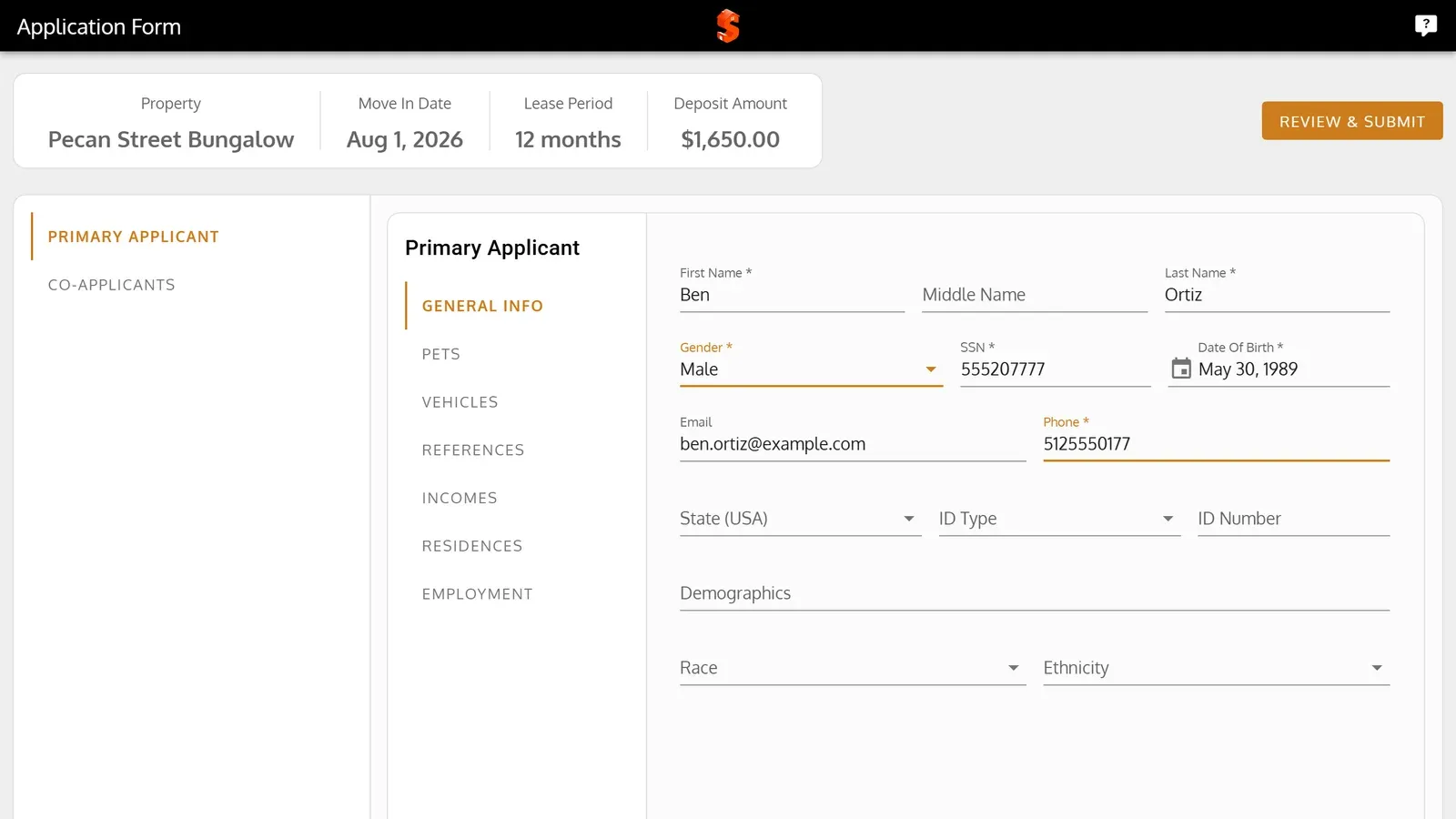
The form opens on Primary Applicant. The applicant fills in General Info, and the tabs beside it for their pets, vehicles, references, incomes, residences and employment.
-
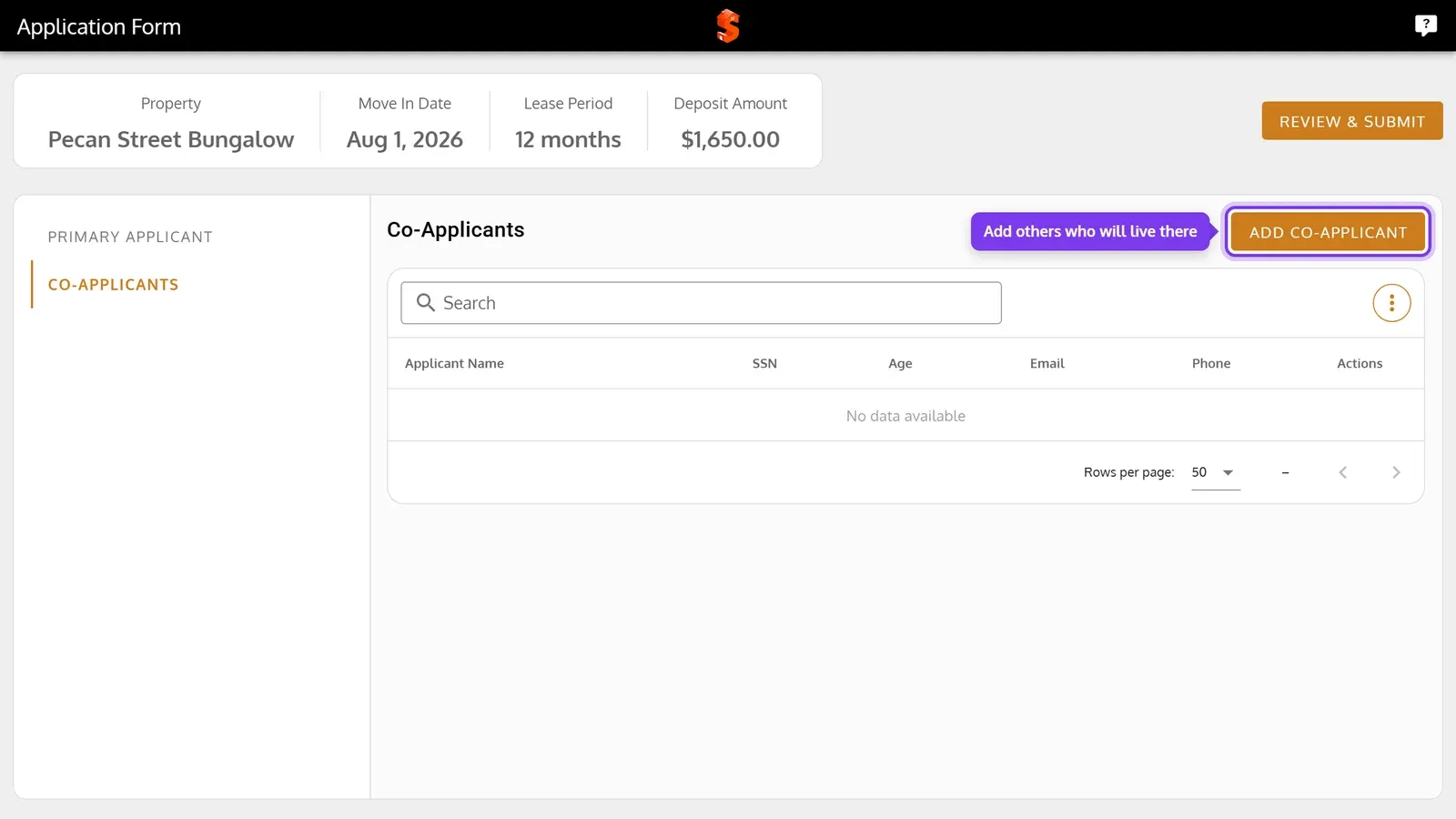
On Co-Applicants, they add the others who will live there.
-
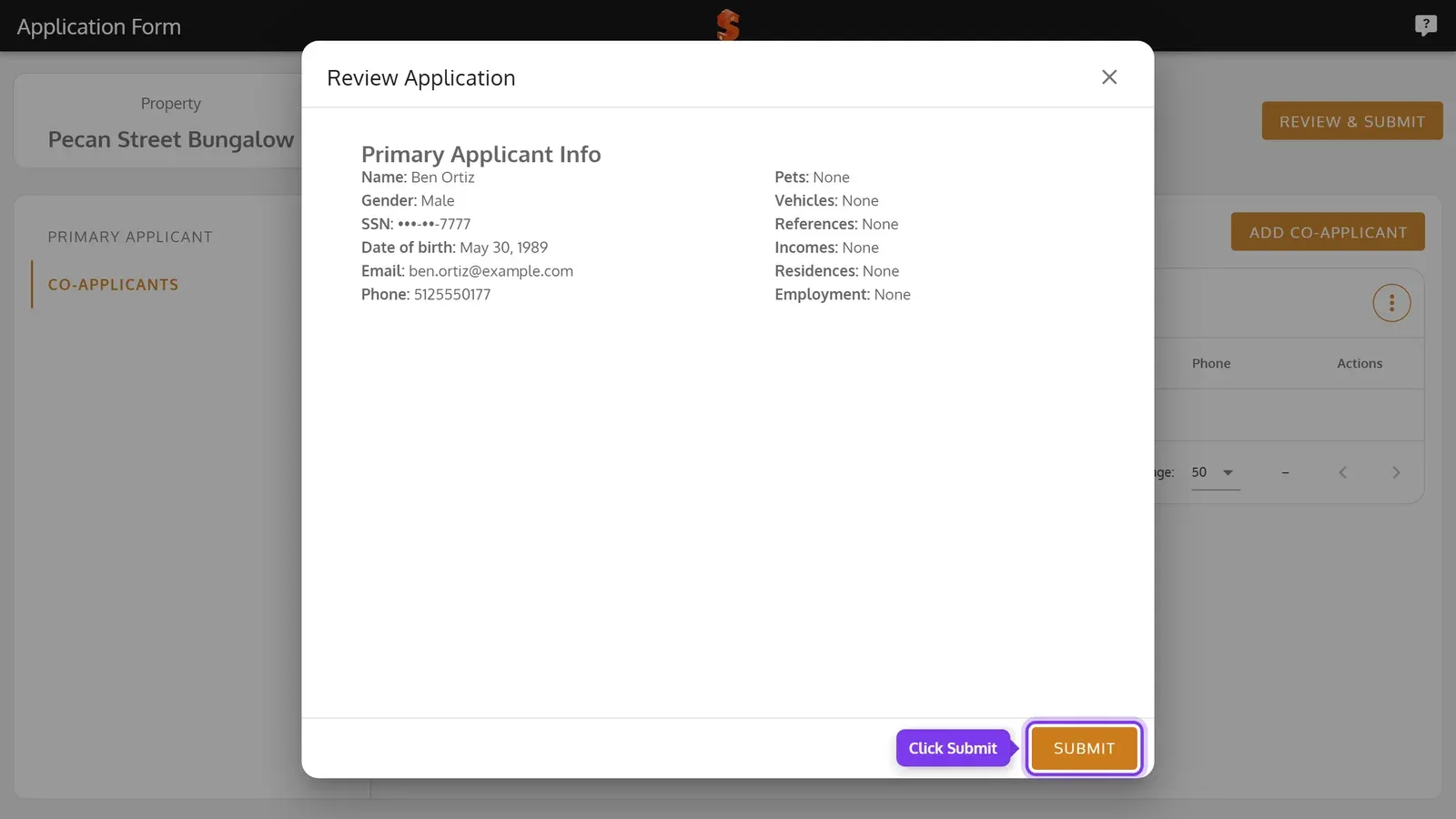
They click Review & Submit, check their details, and click Submit.
-
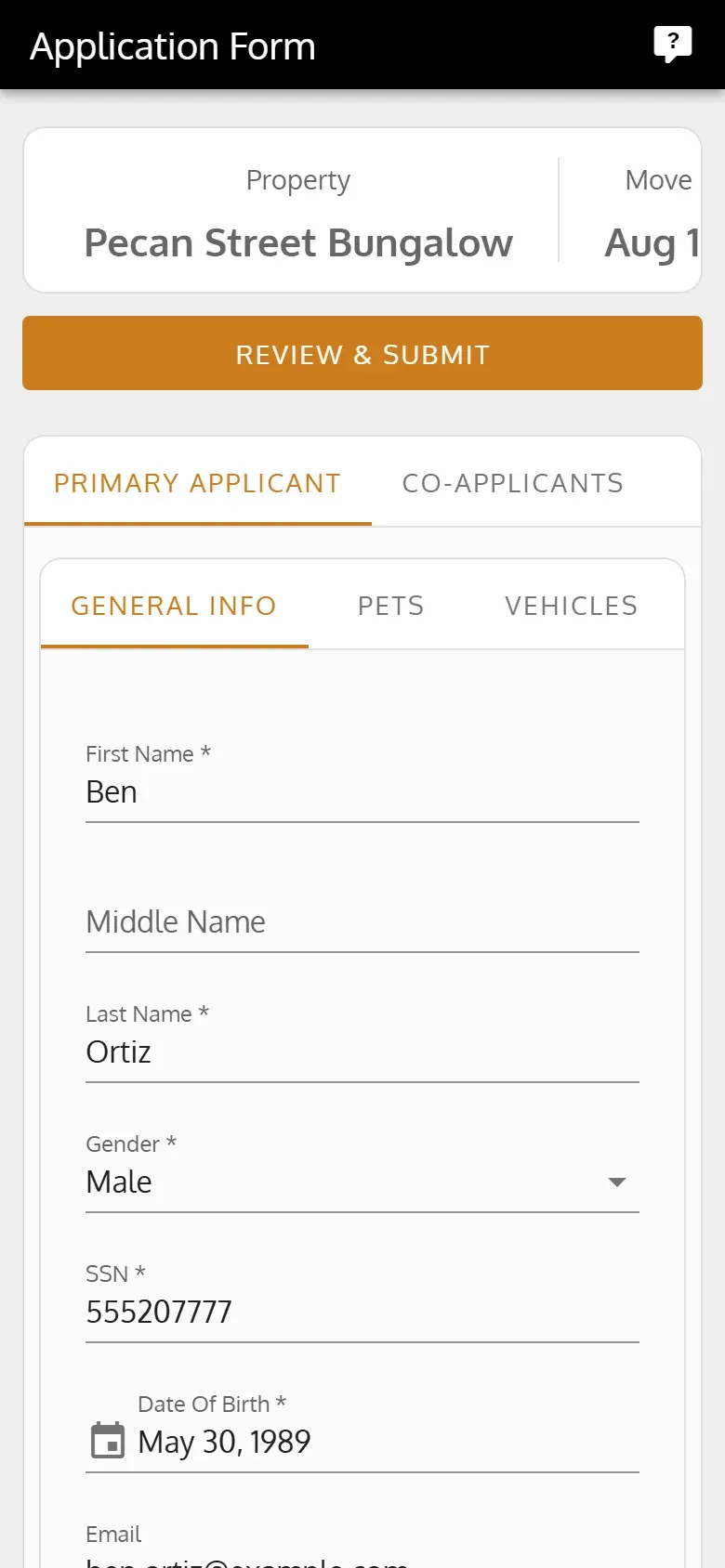
The form opens on Primary Applicant. The applicant fills in General Info, and the tabs beside it for their pets, vehicles, references, incomes, residences and employment.
-
On Co-Applicants, they add the others who will live there.
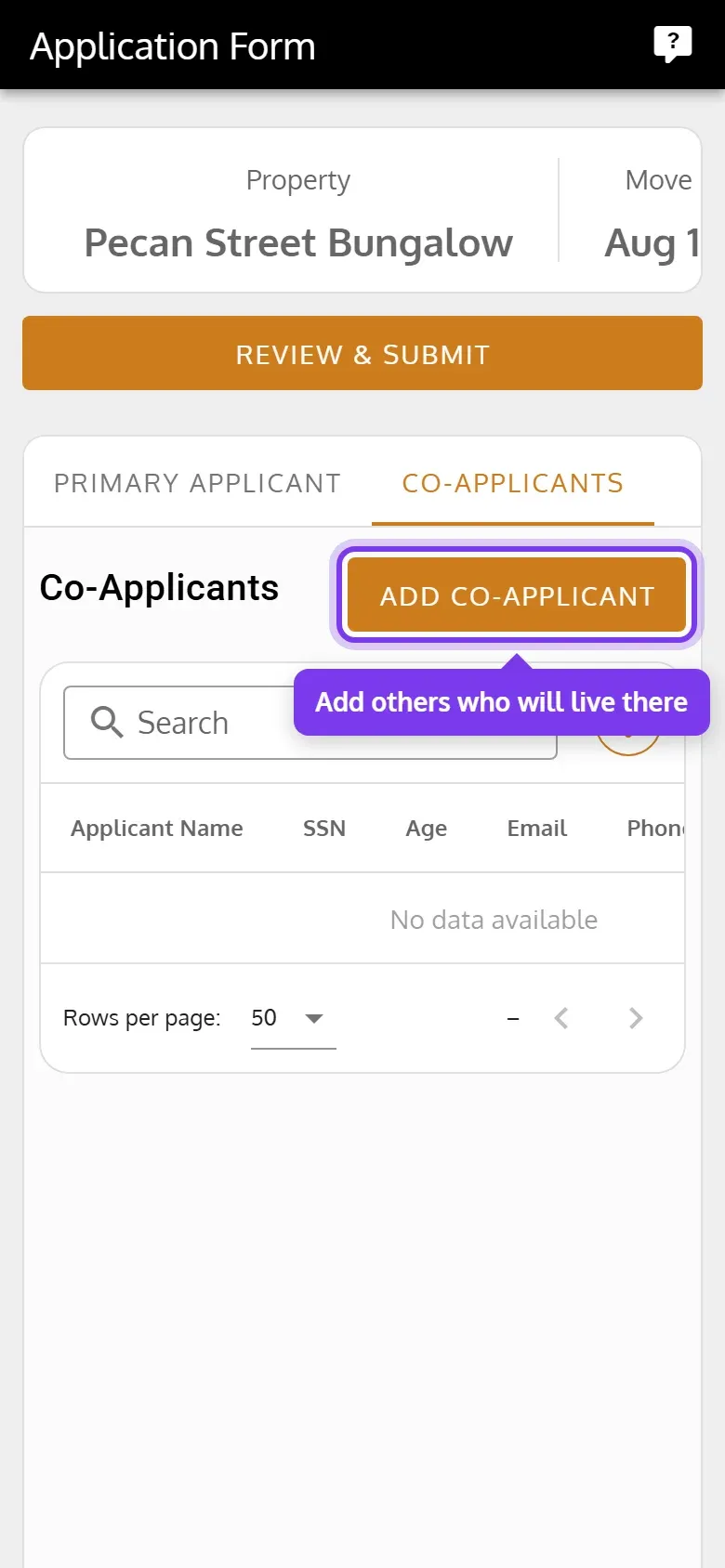
-
They tap Review & Submit, check their details, and tap Submit.
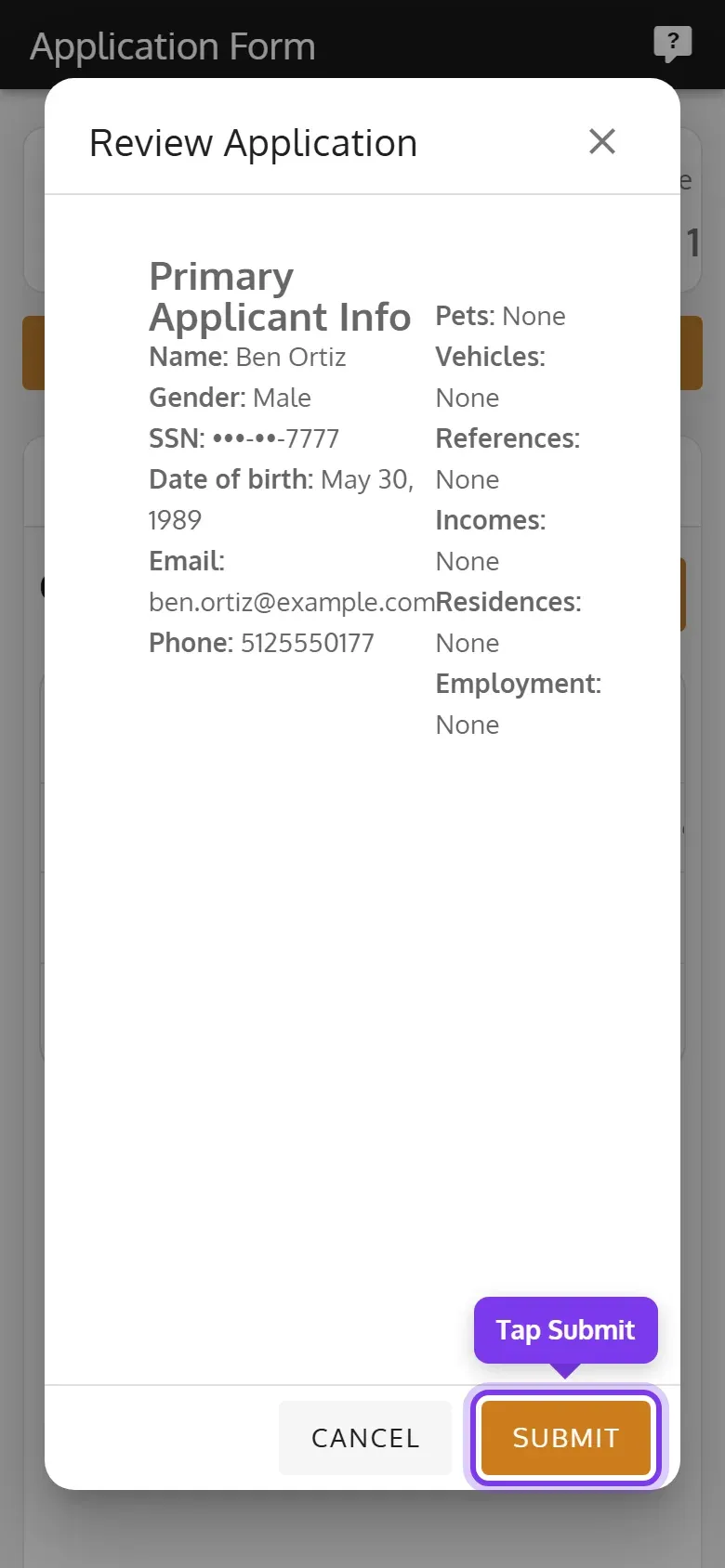
Applicants can’t upload files or a photo on the form. To collect documents, ask for them directly and add them on the application’s Documents tab.
When the applicant submits
Section titled “When the applicant submits”- The application becomes Pending.
- The applicant gets an email saying it was received.
- The property’s admins get an email and a notification in the app, linking to the application.
Send a new link
Section titled “Send a new link”Send a new link if the first one expired, or went to the wrong address. The old link stops working.
-
Open the application, click Primary Applicant, then Email Application Form.
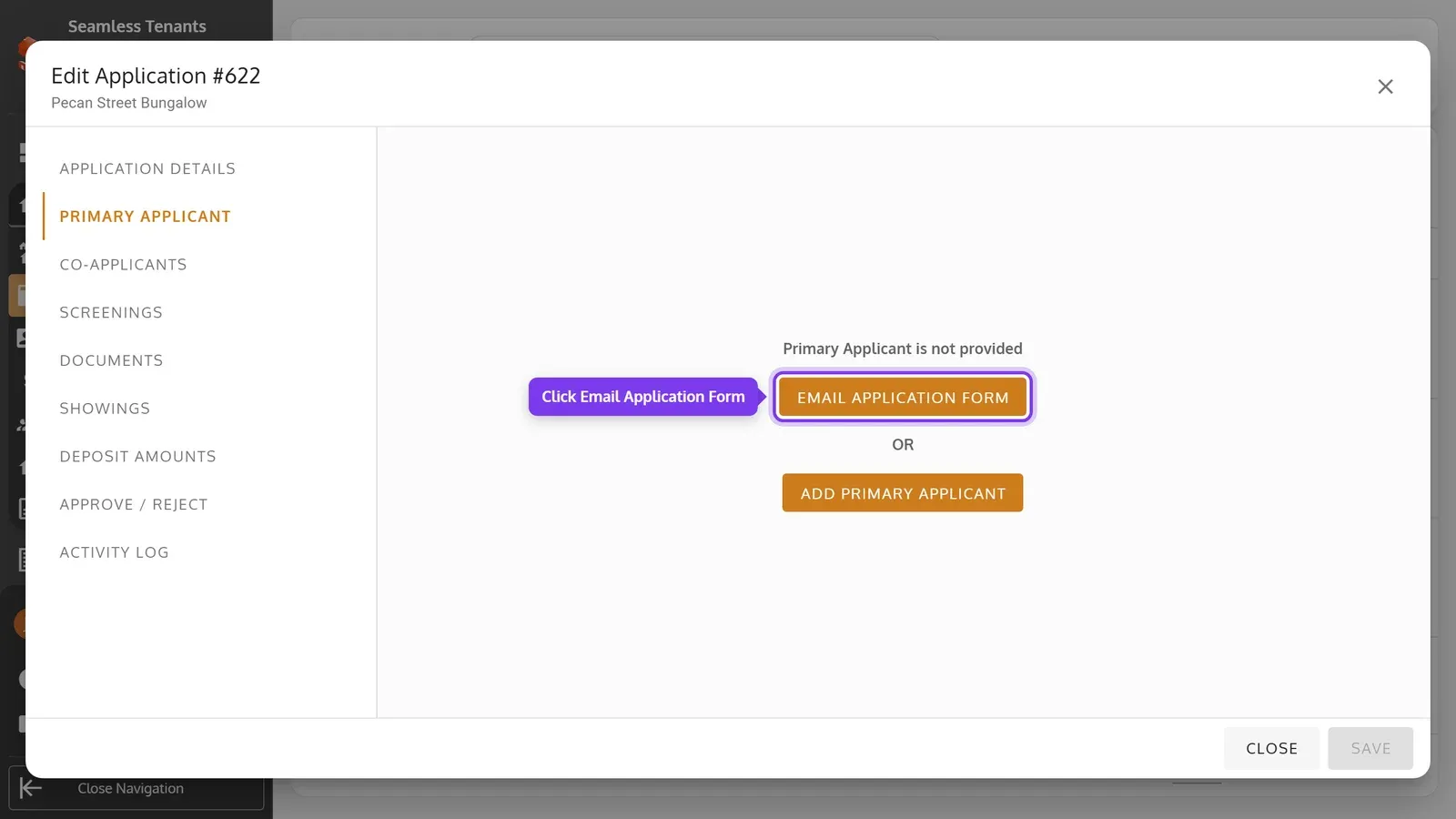
-
Check or enter the Primary Applicant Email, then click Send.
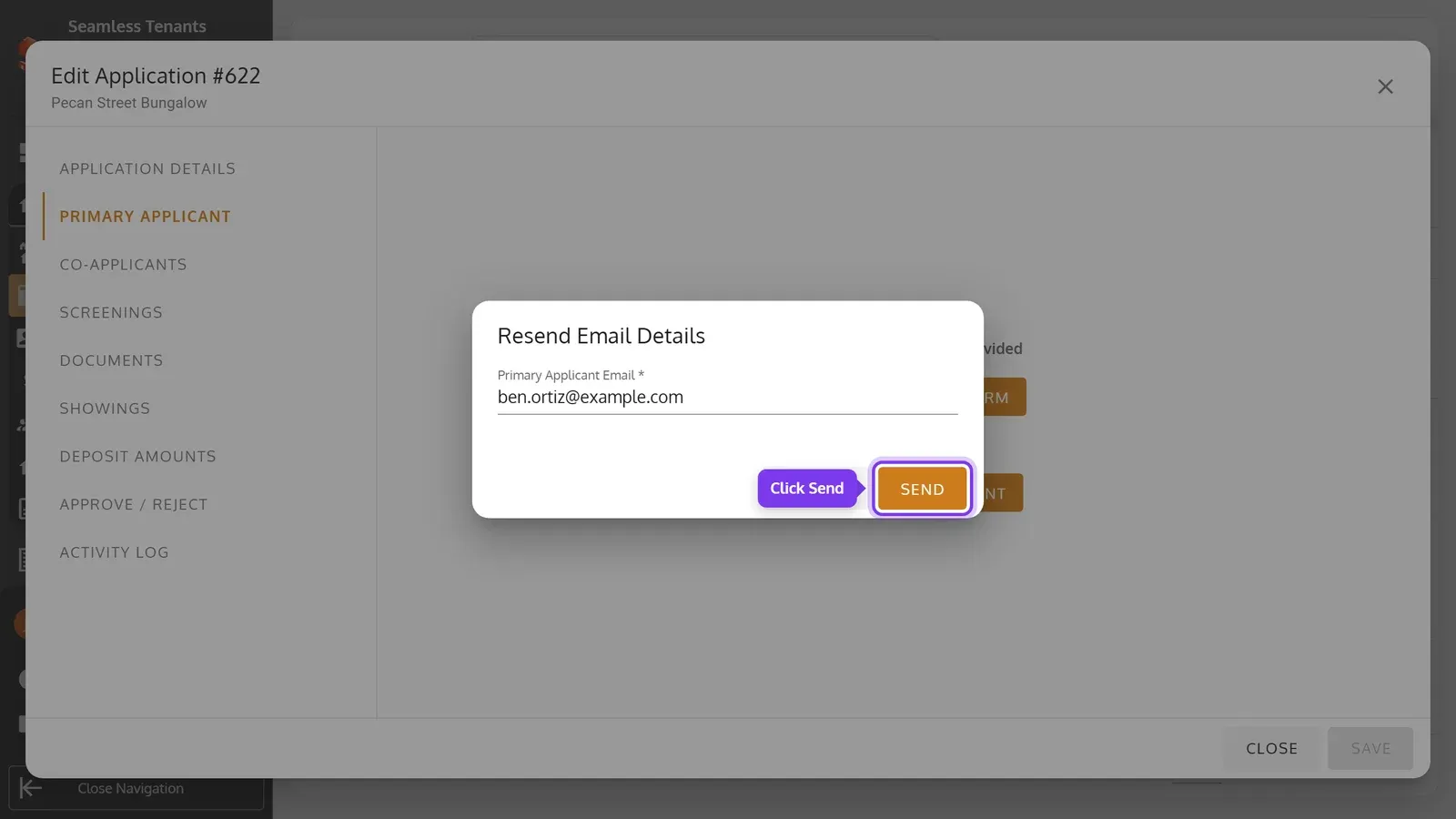
-
Open the application, tap Primary Applicant, then Email Application Form.
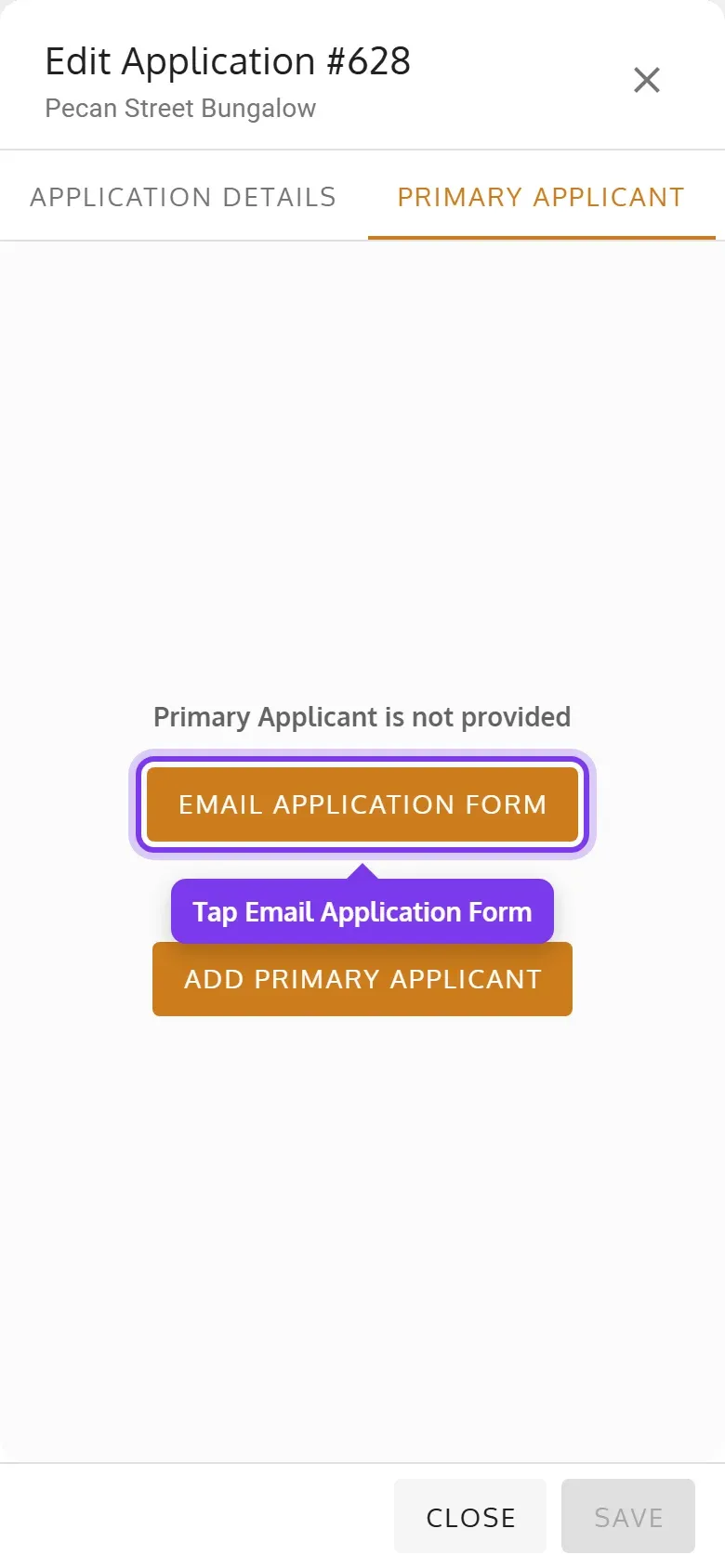
-
Check or enter the Primary Applicant Email, then tap Send.
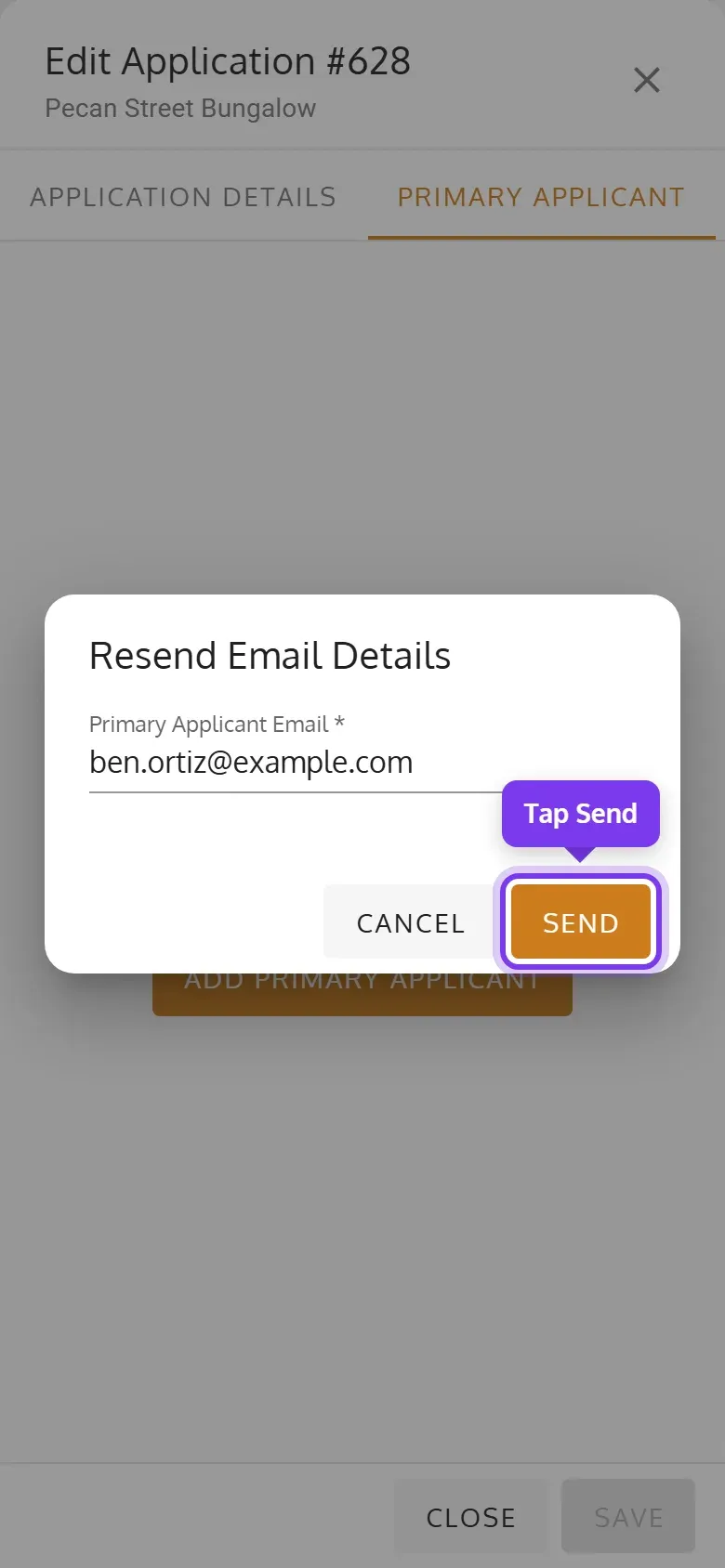
This button is there only while the application has no primary applicant. Once the form is submitted, the details are yours to edit on the Primary Applicant tab.
If you’d rather fill them in yourself, click or tap Add Primary Applicant instead. The application becomes Pending, and the emailed link stops working.
If the link doesn’t work
Section titled “If the link doesn’t work”The form says This link has expired or has already been used when the link is over 7 days old, a newer one was sent, the form was already submitted, the application was rejected, or you added the primary applicant yourself. While the application still has no primary applicant, send a new link. A rejected application has to be reactivated first.