
Import Properties and Units
Bulk Import and Import Units are only on a computer.
Fill in the template
Section titled “Fill in the template”-
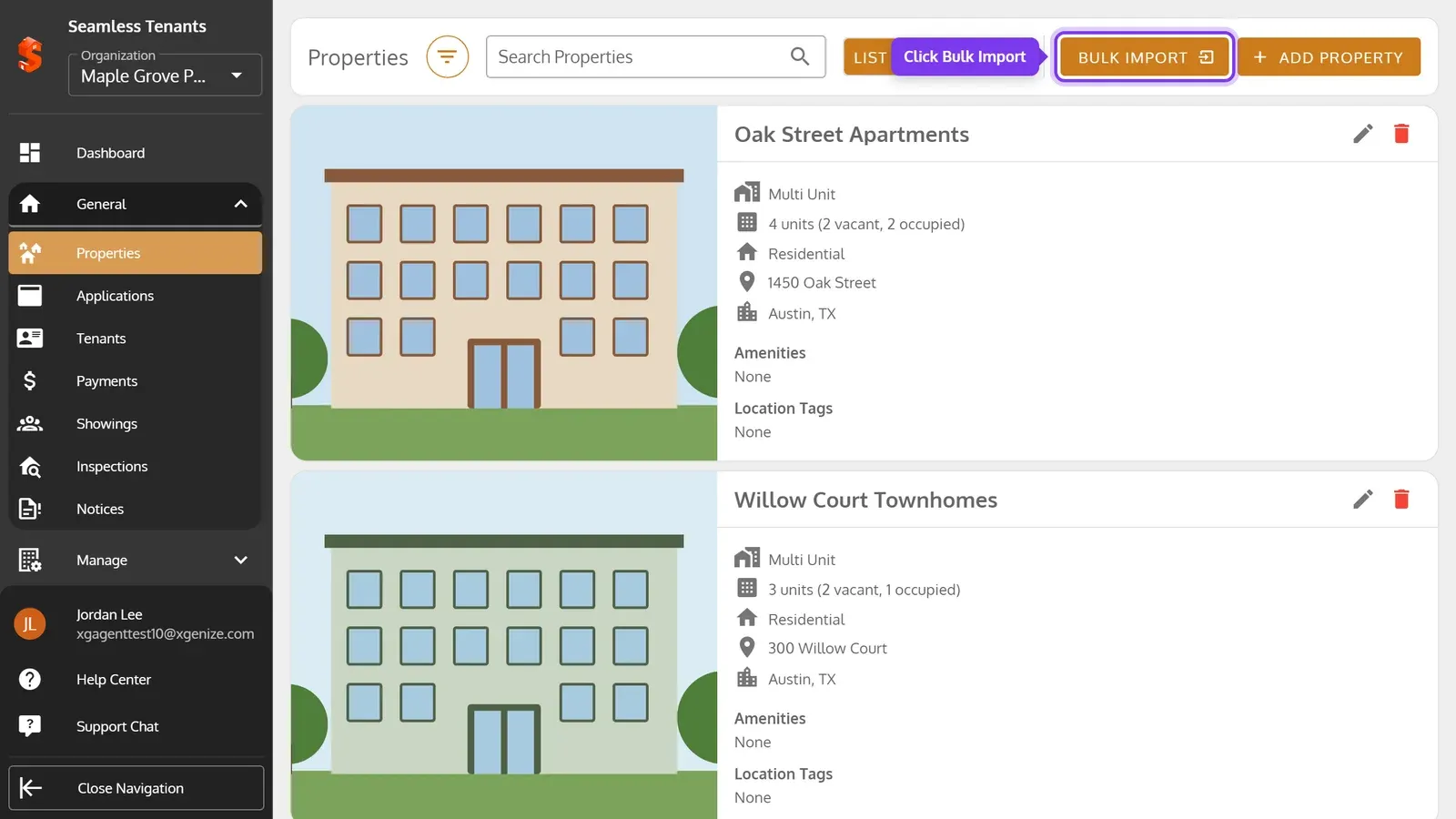
On the Properties page, click Bulk Import.
-
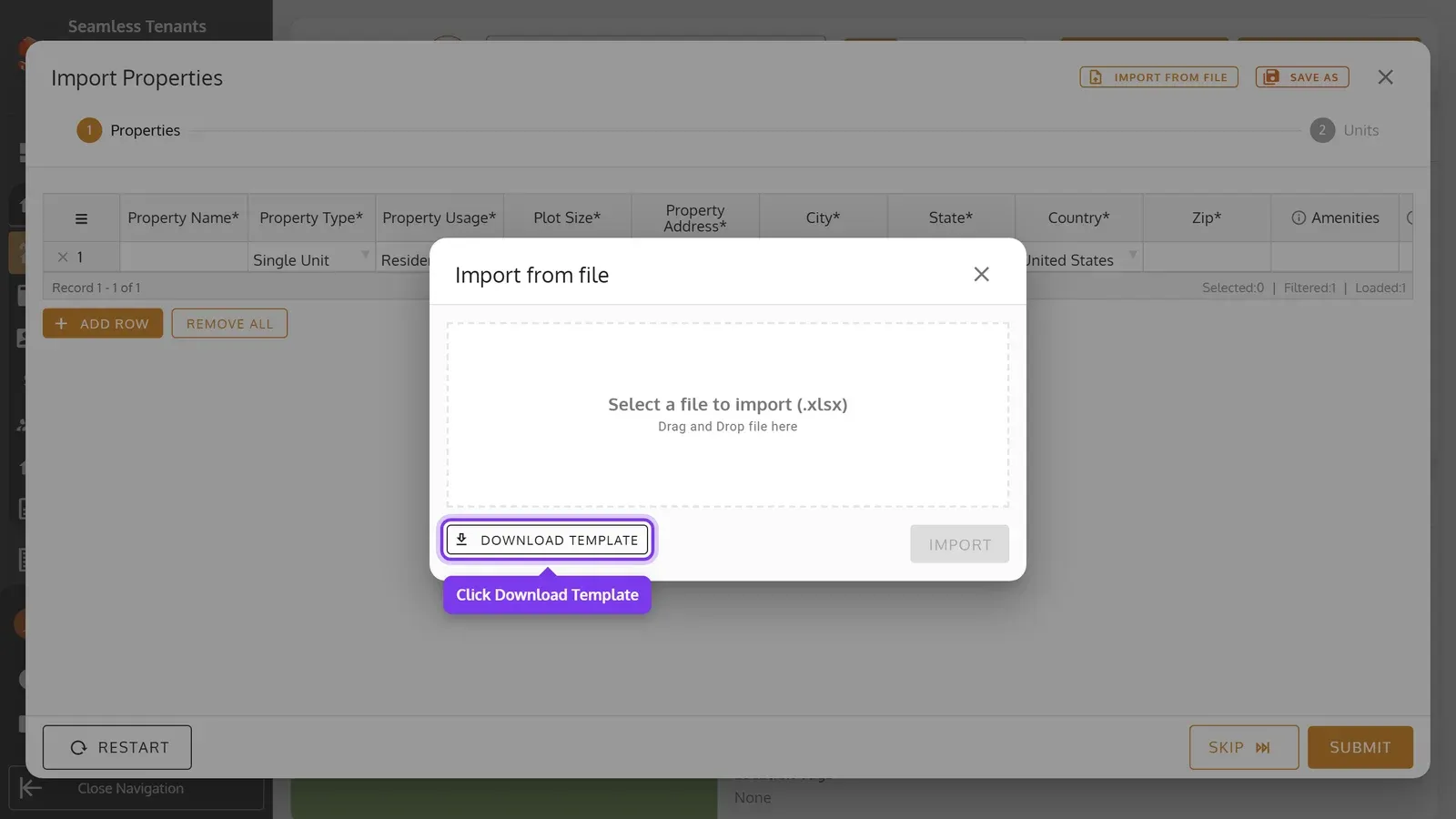
Click Import from file, then Download Template.
-
Open the template in Excel or another spreadsheet app. Add a row for each property on its Properties sheet, and a row for each unit on its Units sheet. Columns marked * need a value.
On the Properties sheet:
| Column | What to enter |
|---|---|
| Property Name* | A name that no other property has. |
| Property Type* | Single Unit or Multi Unit. |
| Property Usage* | Residential or Commercial. |
| Plot Size* | In square feet. |
| Property Address*, City*, State*, Zip* | The property’s address. |
| Country* | The country’s full name, such as United States. |
| Amenities, Location Tags | Optional, separated by commas, such as Pool, Parking. New ones are added to your organization’s lists. |
On the Units sheet:
| Column | What to enter |
|---|---|
| Property Name* | The unit’s property, from the Properties sheet or one you already have. |
| Unit Number | For a Multi Unit property, a number no other unit in it has. Leave it blank for a Single Unit property. |
| Size*, # of Bedrooms*, # of Bathrooms* | Size in square feet. |
| Rent* | The monthly rent. |
| Furnishment* | Fully-Furnished, Semi-Furnished or Unfurnished. |
| Features | Optional, separated by commas. |
A Single Unit property comes with its one unit. A row for it on the Units sheet fills in that unit’s details.
Import the file
Section titled “Import the file”-
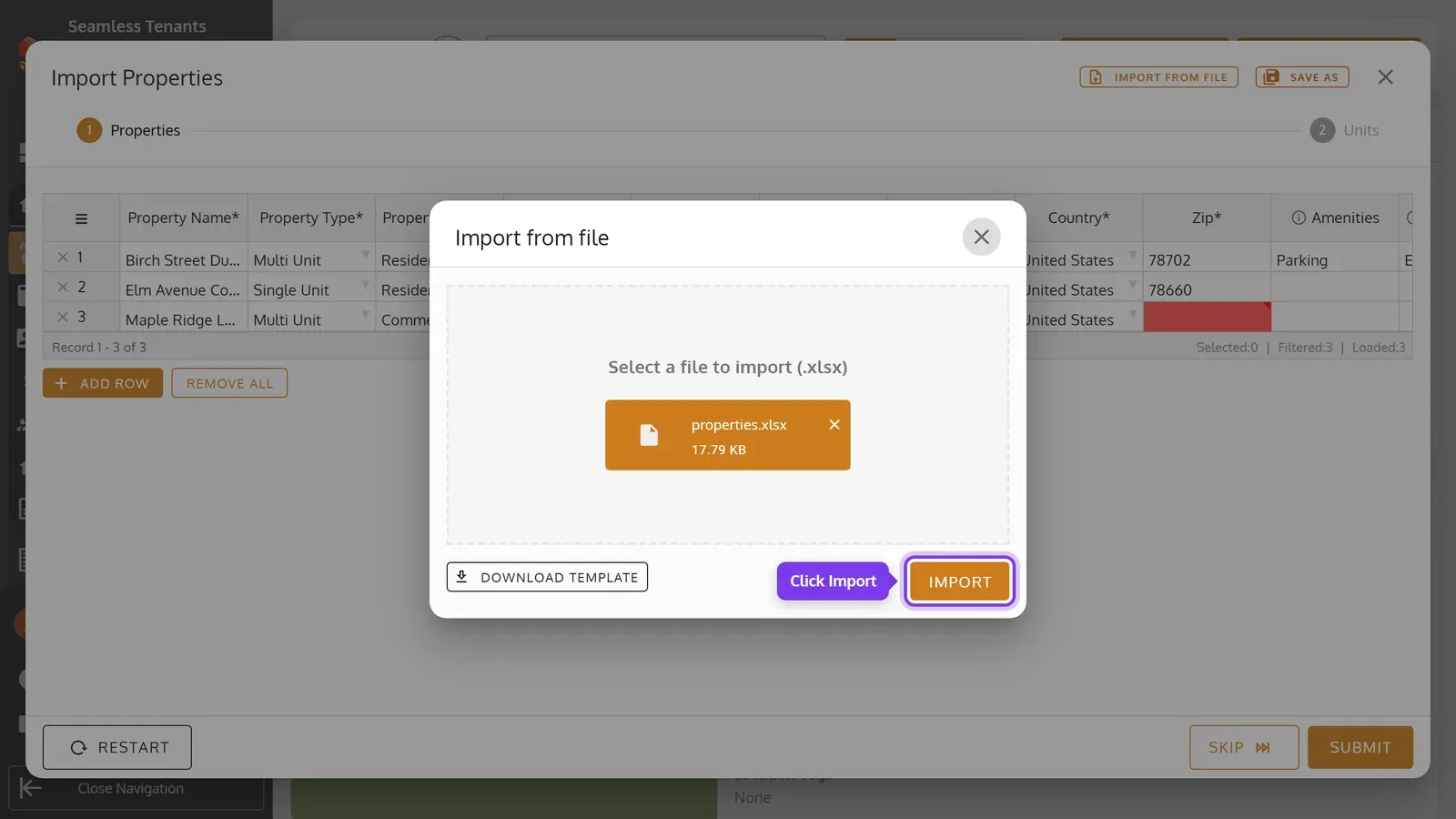
Click Select a file to import (.xlsx) and choose your file, or drag it onto it. Then click Import.
-
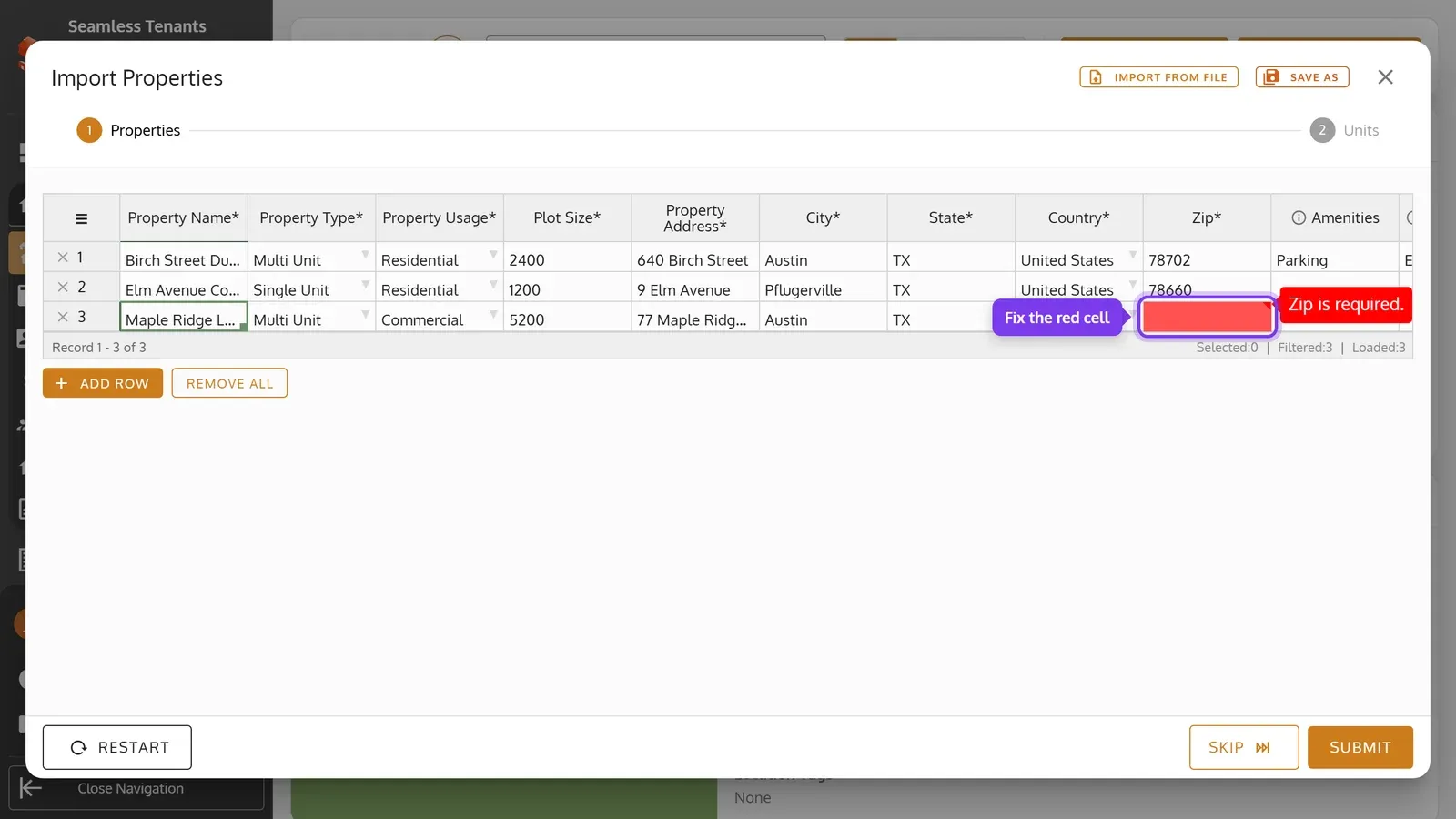
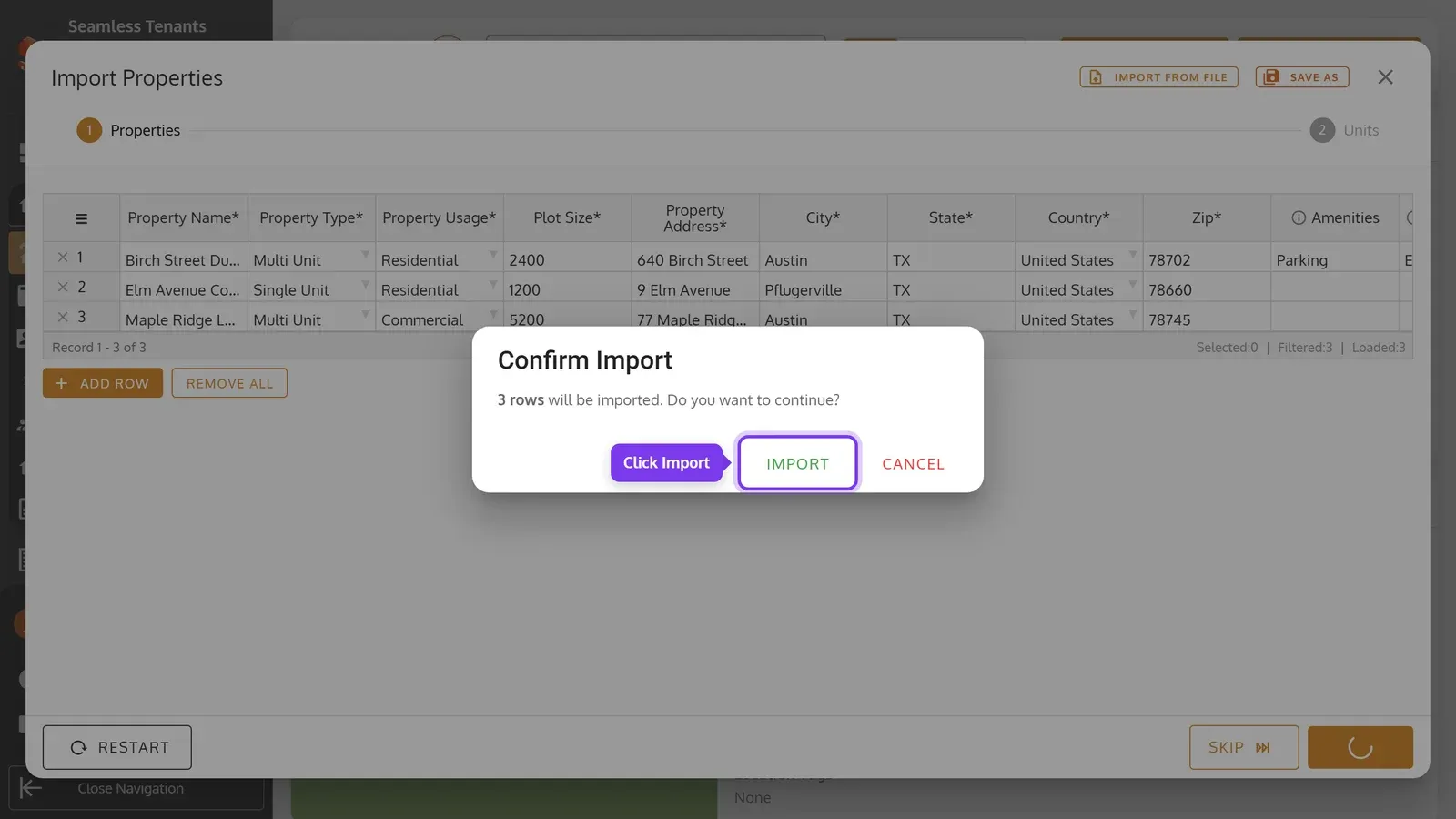
The properties show in a table, where you can still change them. A red cell needs fixing: point to it to see why, then click it and type the value. To leave a row out, click its ×.
-
Click Submit, then Import. If some rows still have errors, you’re asked whether to import the others without them.
-
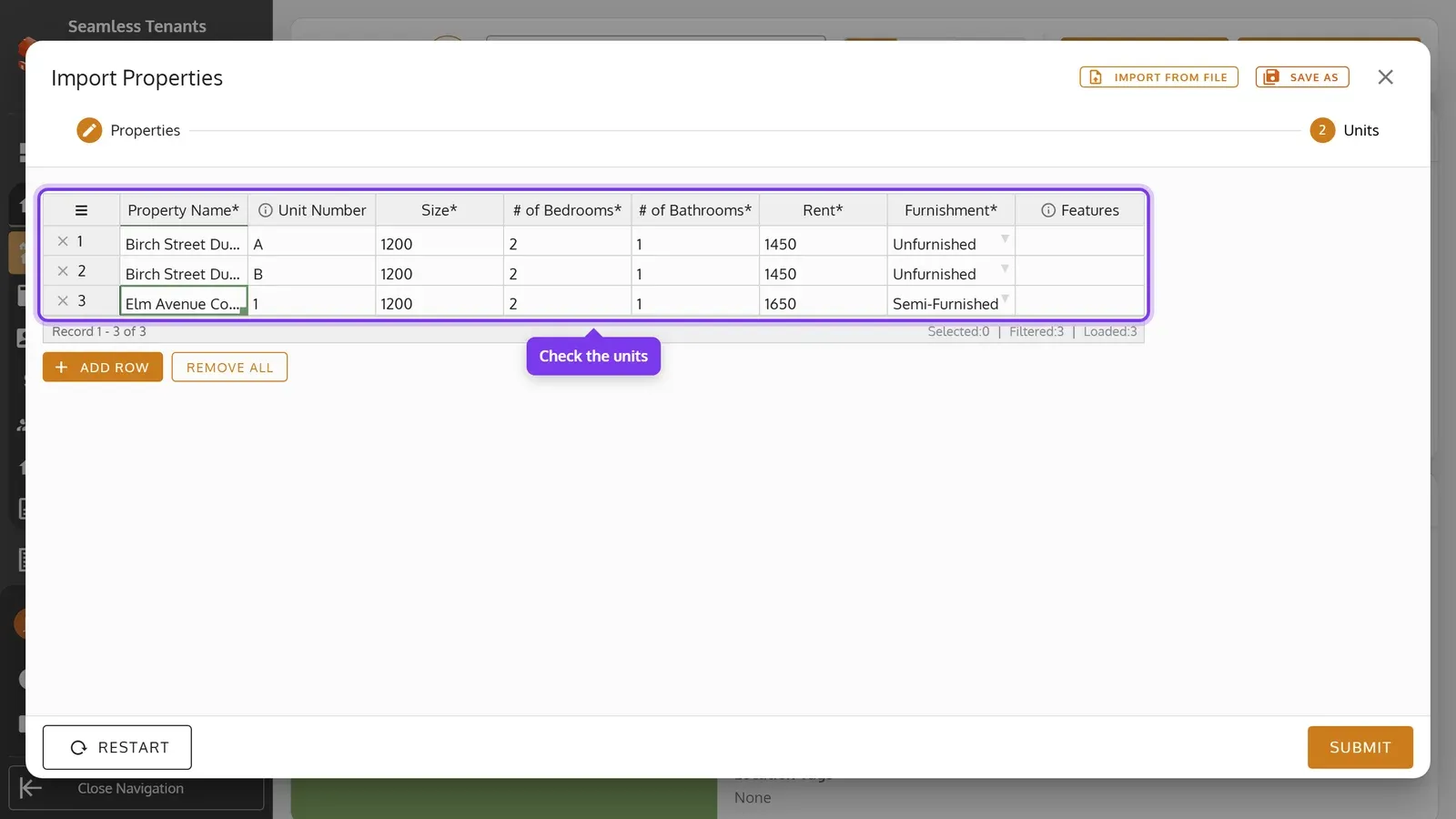
Click OK, then Continue. The Units step shows the units from your file.
-
Check the units the same way, then click Submit, Import and OK.
- When the units add to your bill, the confirmation says how much.
- To import only units, click Skip on the Properties step.
- Save As saves the table as a spreadsheet, to finish later. Restart starts over.
Import units into one property
Section titled “Import units into one property”-
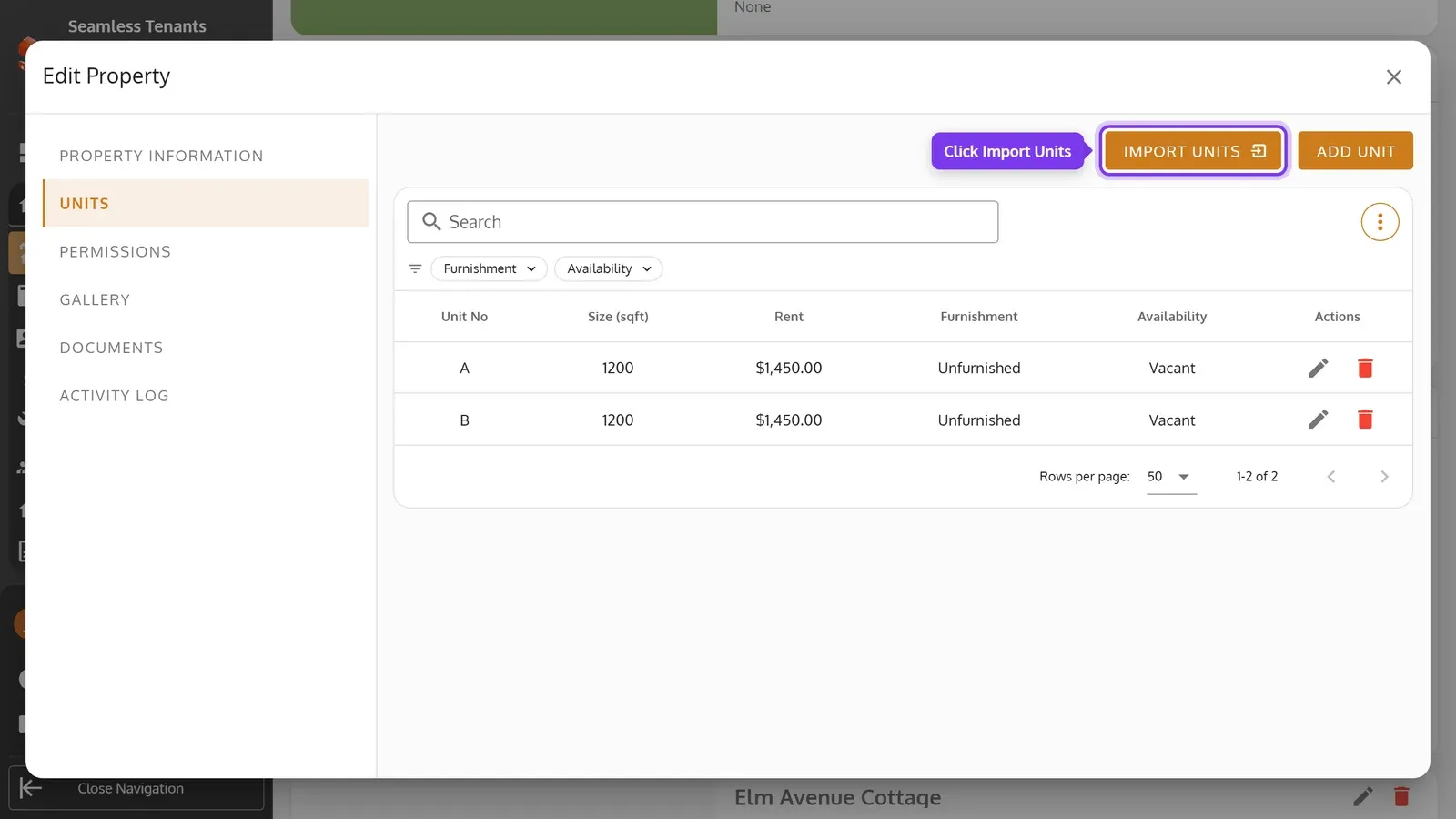
Open a Multi Unit property, then its Units tab, and click Import Units.
-
Import the file the same way. This template has only the Units sheet’s columns, without Property Name. Every row needs a Unit Number.