
Import Tenants
Bulk Import adds tenants from a spreadsheet, with their leases, co-tenants, pets, vehicles, references, incomes, residences and employment. It’s only on a computer, and it only adds tenants: it doesn’t change the ones you have.
Fill in the template
Section titled “Fill in the template”-
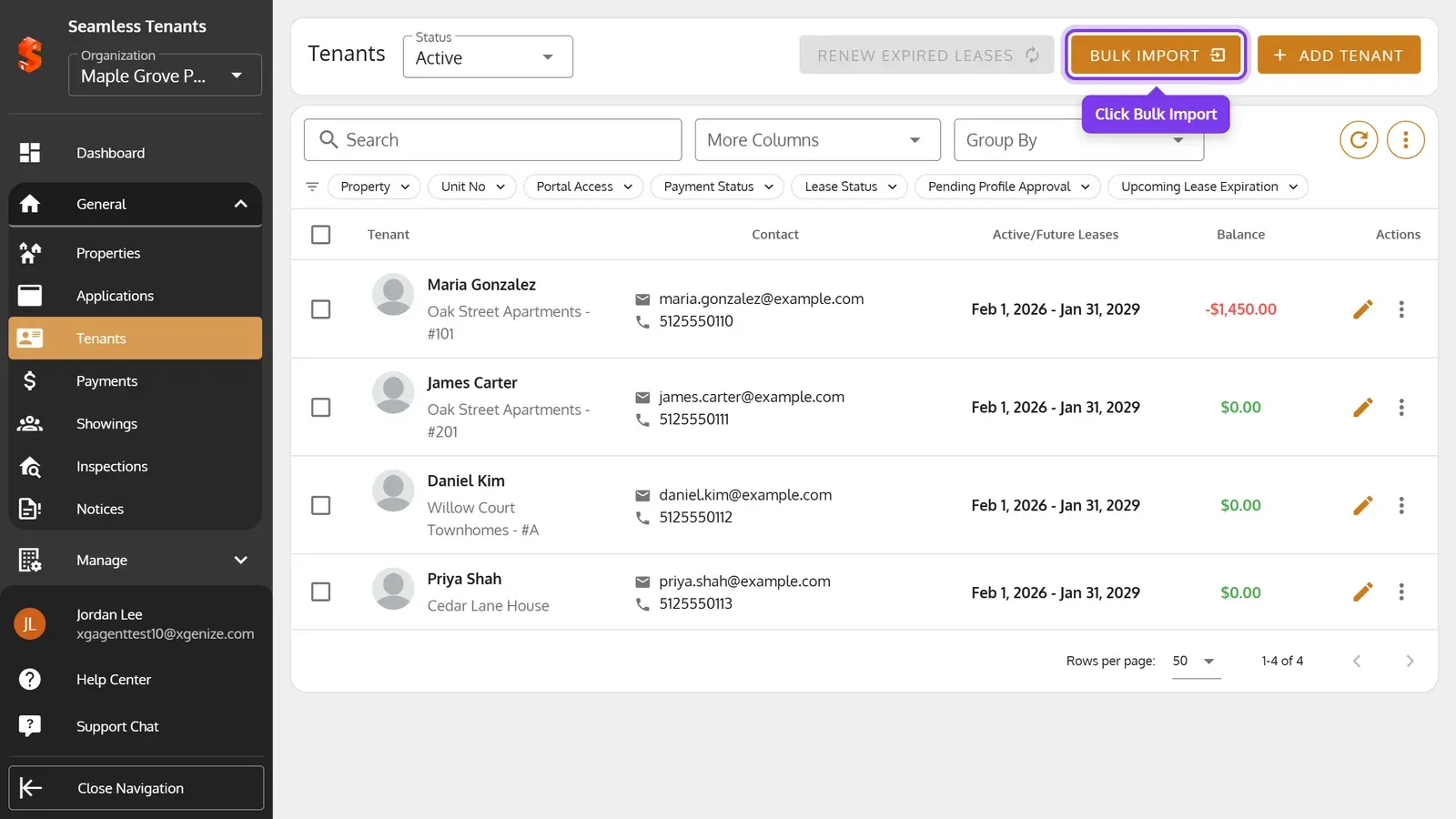
On the Tenants page, click Bulk Import.
-
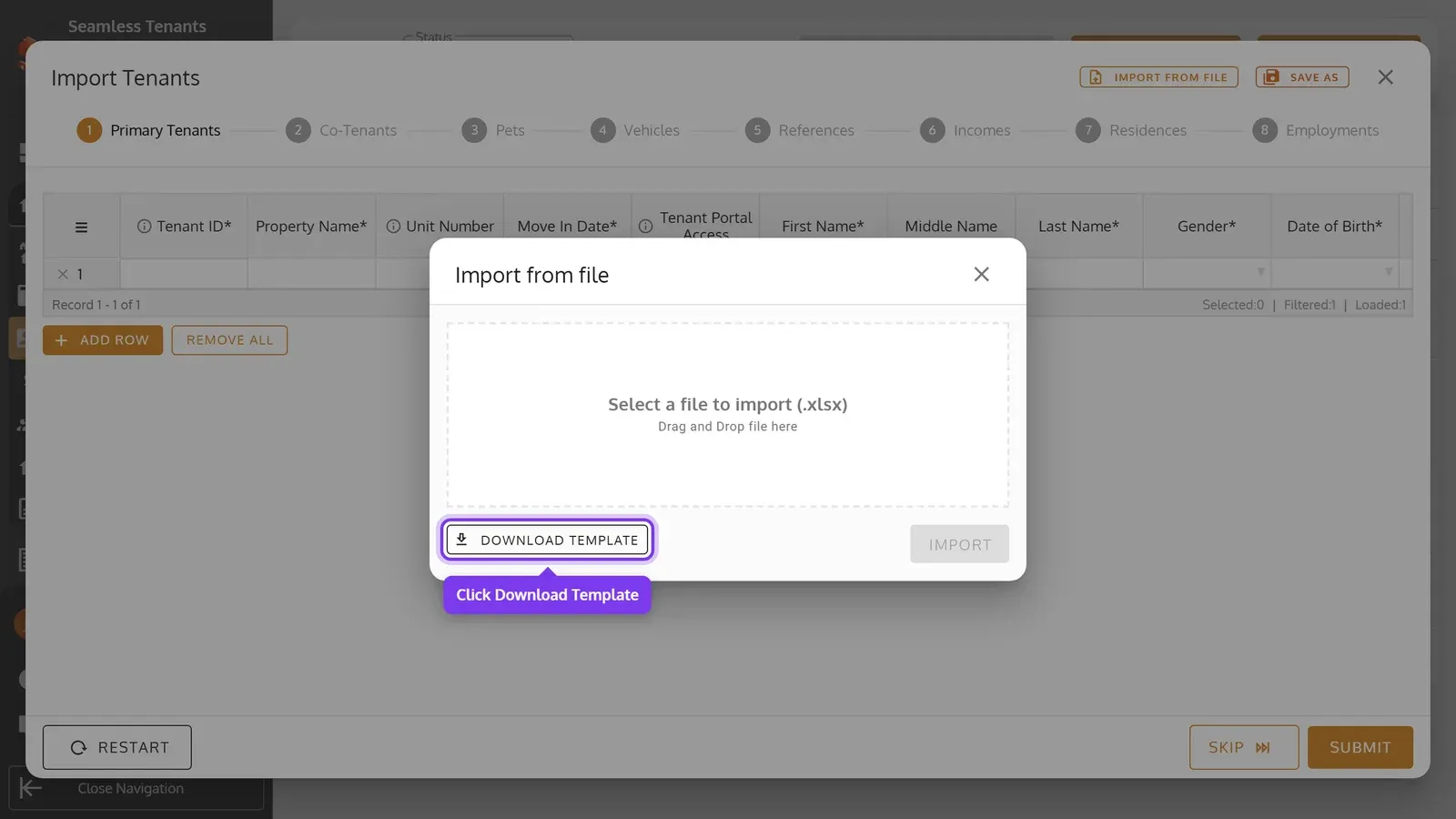
Click Import from file, then Download Template.
-
Open the template in Excel or another spreadsheet app, and add a row for each primary tenant on its Primary Tenants sheet. Fill in the other sheets for what you also want to add. Columns marked * need a value.
Each sheet starts with a sample row. Replace it with your own, or leave it as it is and the import skips it. Point to a column’s heading to see what it takes.
Give each tenant a Tenant ID of your own, such as T-001. The other sheets use it to say whose row it is.
On the Primary Tenants sheet, each row is a tenant with their lease:
| Column | What to enter |
|---|---|
| Tenant ID* | Your ID for the tenant, different on every row. |
| Property Name*, Unit Number | Their property, as it’s named in Seamless Tenants, and the unit for a Multi Unit property. |
| Move In Date* | The day they moved in, within the lease. |
| Tenant Portal Access | Yes to let them sign in. They need an Email. |
| First Name*, Middle Name, Last Name*, Gender*, Date of Birth*, SSN*, Phone Number*, Email | Their details. |
| ID Type*, ID Number*, ID State* | State ID or Driver License, its number, and the state’s full name, such as Texas. |
| Lease Start Date*, Lease End Date* | The lease’s first and last days. |
| Rent*, Pet Fee, Late Fee, Due Date Interval* | The lease’s amounts, and how many days after an invoice is made it’s due. A rent and pet fee of 0 make a free lease. |
| Payment Cadence* | Monthly or Onetime. |
| First Invoice Date | The first day to bill from. For a tenant already living there, enter it: a blank cell bills every period since the lease started, all at once. |
| Pre-paid Deposit Amount, Starting Balance | A deposit they’ve already paid, and money they already owe. |
Dates are YYYY-MM-DD, such as 2027-02-01. Amounts are in dollars without commas, such as 1450 or 1450.50. Gender is Male, Female or Other, the SSN has 9 digits and the Phone Number at least 10.
On the other sheets, Tenant ID says whose row it is. They only reach tenants imported with that ID, not tenants you added by hand:
- Co-Tenants: the primary tenant’s Primary Tenant ID, an ID of your own for the co-tenant, their details, and their Relationship to Primary: Spouse, Co Head, Dependent, Other, Foster Child, Live In Attendant or None Of The Above.
- Pets, Vehicles, References, Incomes, Residences and Employments: one row each, with the tenant’s or co-tenant’s ID.
Import the file
Section titled “Import the file”-
Click Select a file to import (.xlsx) and choose your file, or drag it onto it. Then click Import.
-
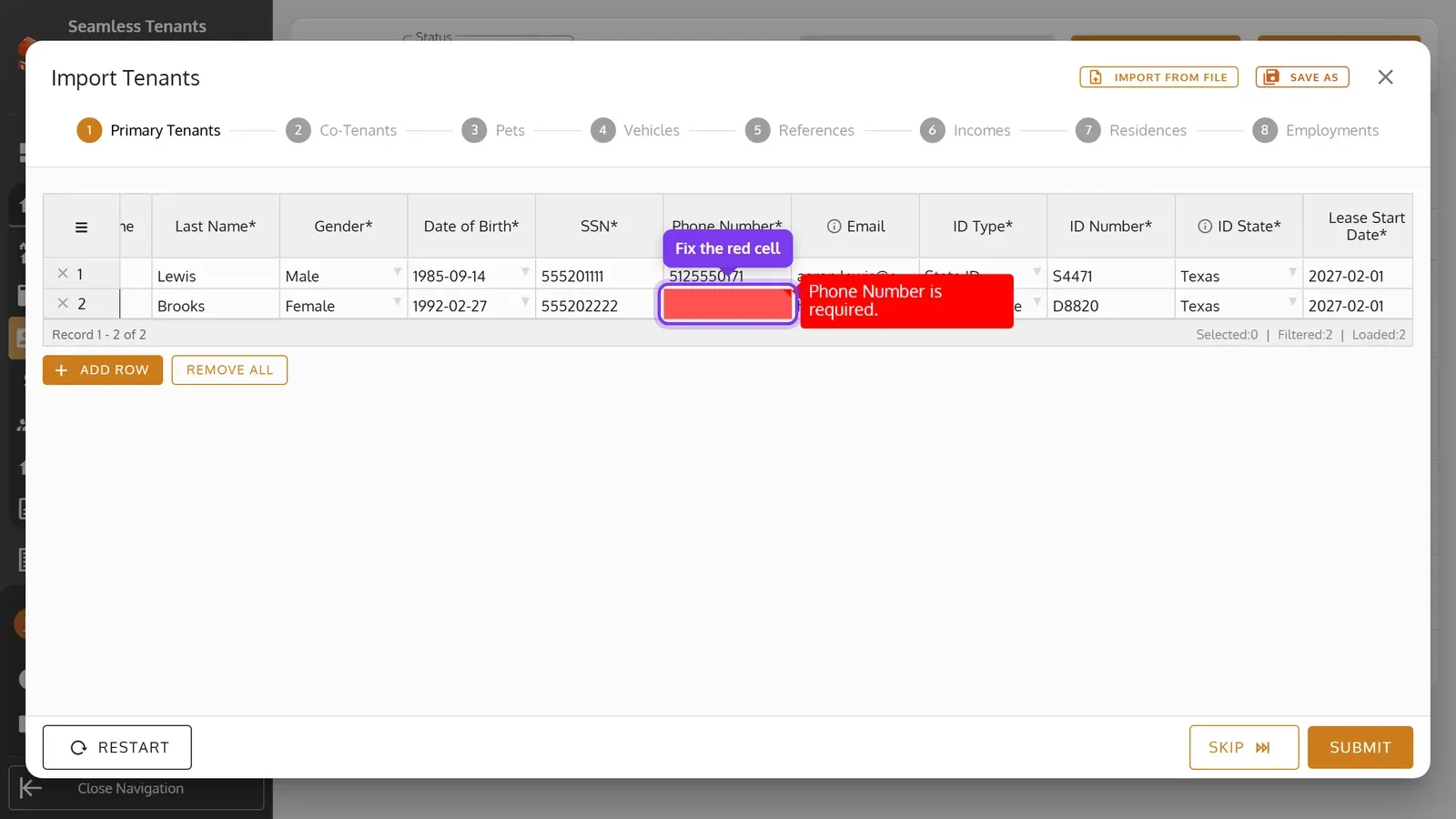
The tenants show in a table, where you can still change them. A red cell needs fixing: point to it to see why, then click it and type the value. To leave a row out, click its ×.
-
Click Submit, then Import, then OK. If rows on the Primary Tenants sheet have a blank First Invoice Date on a lease that started before this month, you’re first asked whether to bill them all or start those rows from a date you pick. If some rows still have errors, you’re asked whether to import the others without them. Rows that can’t be imported, such as with a property name that doesn’t exist, stay in the table with a warning icon by the row number: point to it to see why.
-
Once every row is in, click Continue to go on to the next sheet’s rows, such as Co-Tenants, and import them the same way. While rows are left, or to pass over a sheet, the button says Skip.
What an import sets for you
Section titled “What an import sets for you”- The tenants’ units become Occupied. Invoices that are already due are made, and tenants with an Email get them by email right away. Tenants with Tenant Portal Access set to Yes also get an email to set up their account, or to sign in if it’s already set up.
- Imported leases are billed by calendar period, on each period’s first day. Monthly leases that haven’t ended yet continue month-to-month when they end.
- Imported tenants don’t get payment reminders. To turn them on, use Send Payment Reminders on each tenant’s General Info.